SSH
General guides relating to the use of OpenSSH
Setting up SSH keys with GitHub
Section titled “Setting up SSH keys with GitHub”If you are using GitHub for version control, you can set up SSH keys to authenticate with your GitHub account without having to enter your password every time.
First, generate a new SSH key pair:
ssh-keygen -t ed25519 -a 100 -f ~/.ssh/githubThis will generate a public and private key pair.
Now edit you ~/.ssh/config file and add the following lines:
Host github.com AddKeysToAgent yes UseKeychain yes # macOS only IdentityFile ~/.ssh/githubYou can then add the public key to your GitHub account by following these steps:
- Open your GitHub account settings.
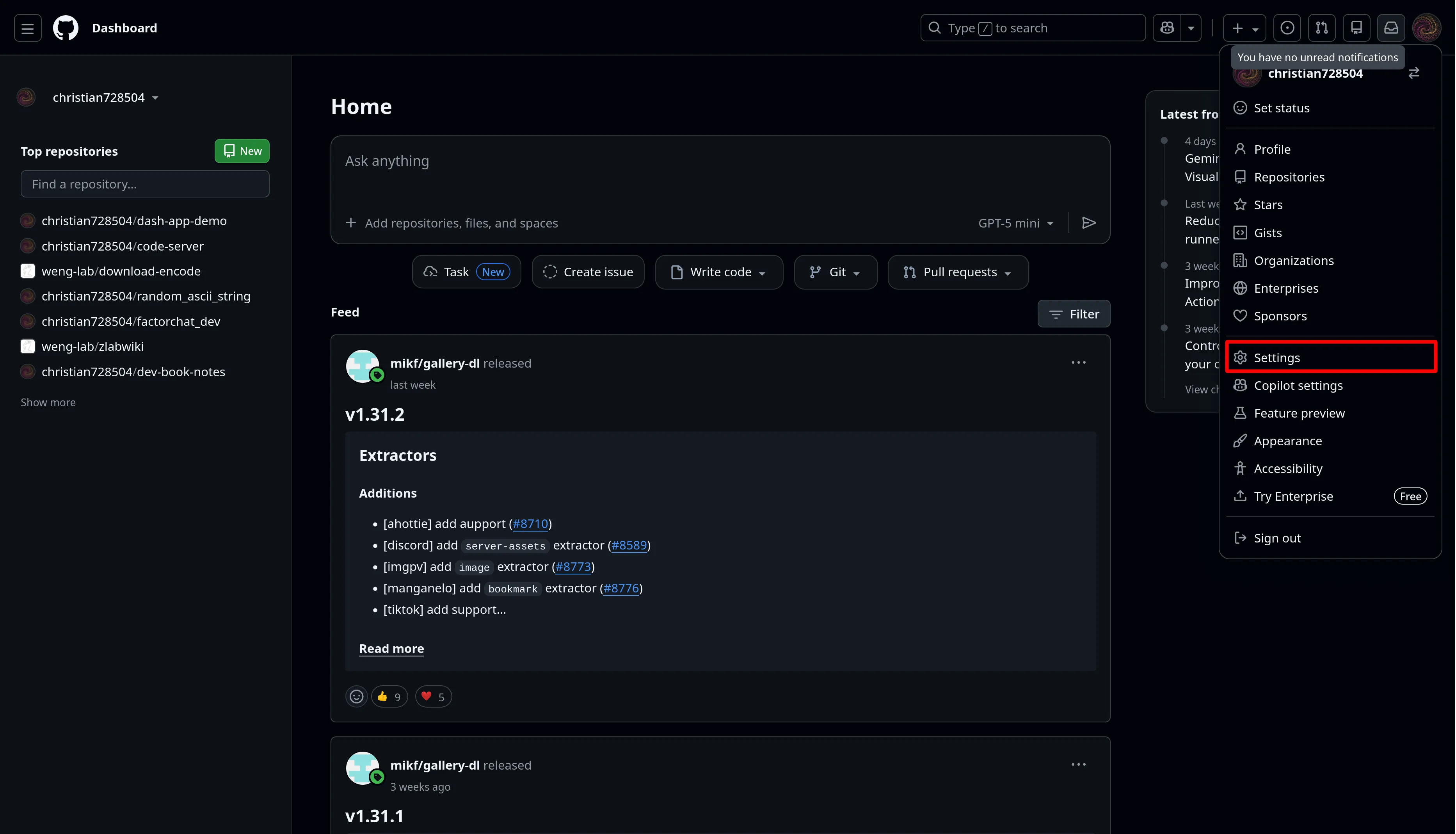
- Go to the “SSH and GPG keys” section.
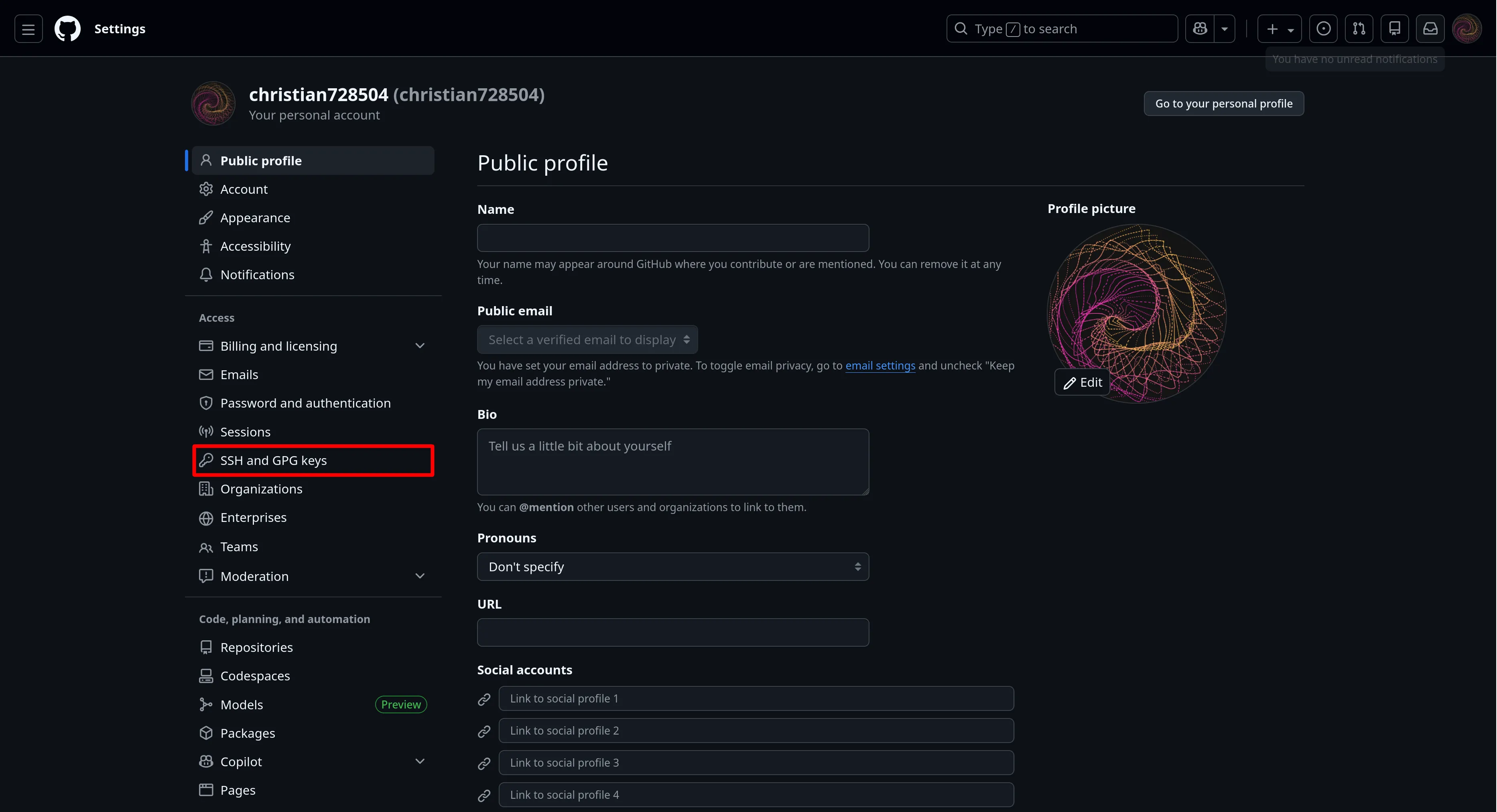
- Click on “New SSH key”.
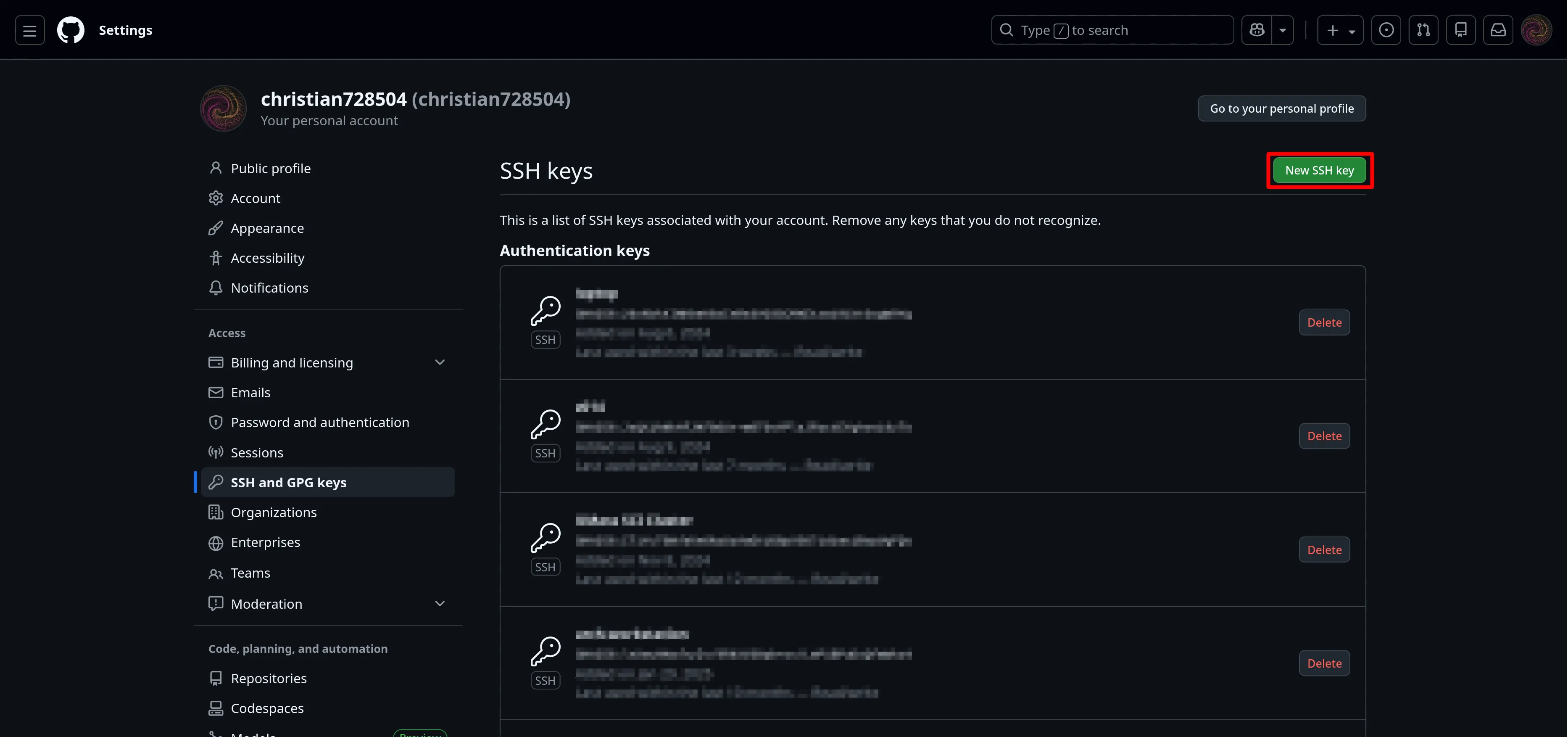
- Enter a title for your key.
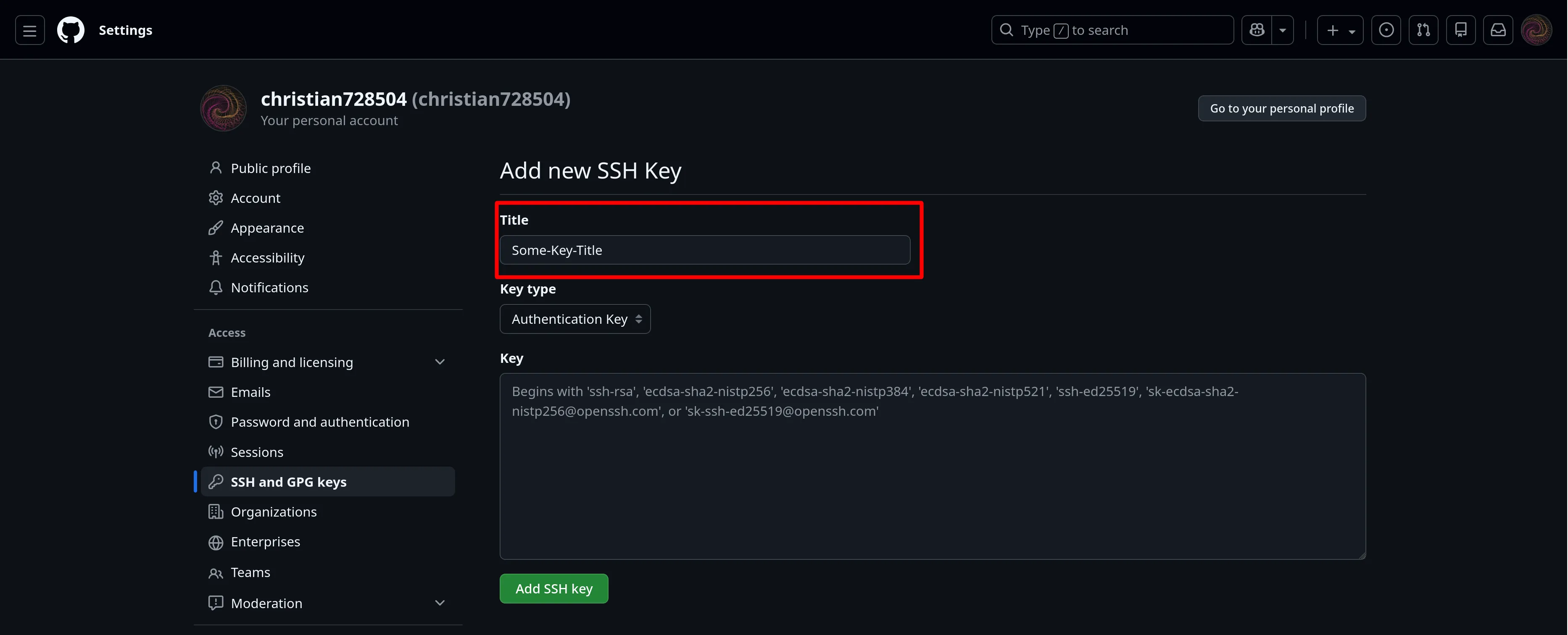
- Paste the contents of your public key file into the “Key” field.
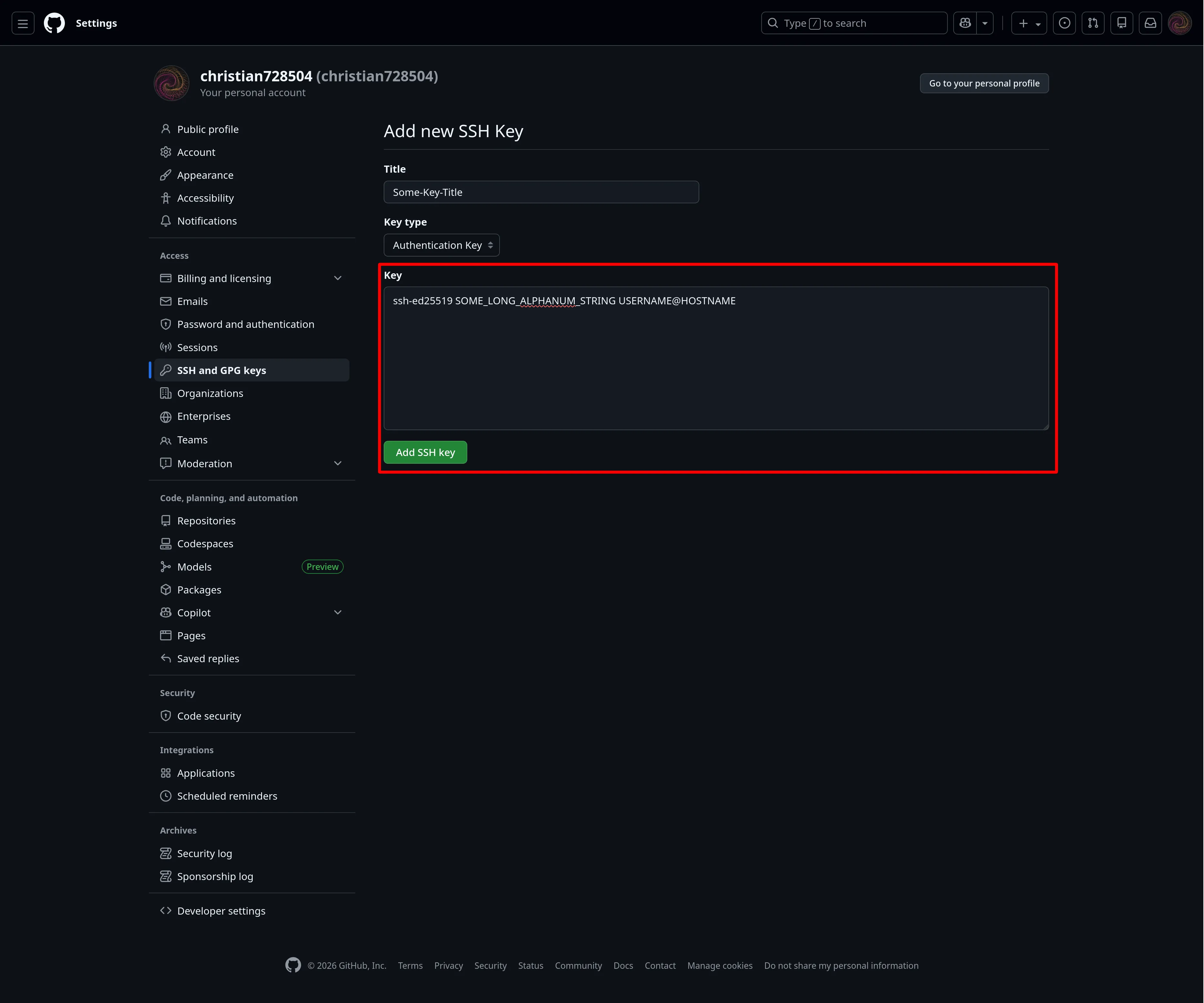
- Click “Add SSH key”.
Test the connection by running ssh -T git@github.com and you should see a message indicating that the connection was successful.
Now, you can use the SSH key to log in to your GitHub account without having to enter your password every time.